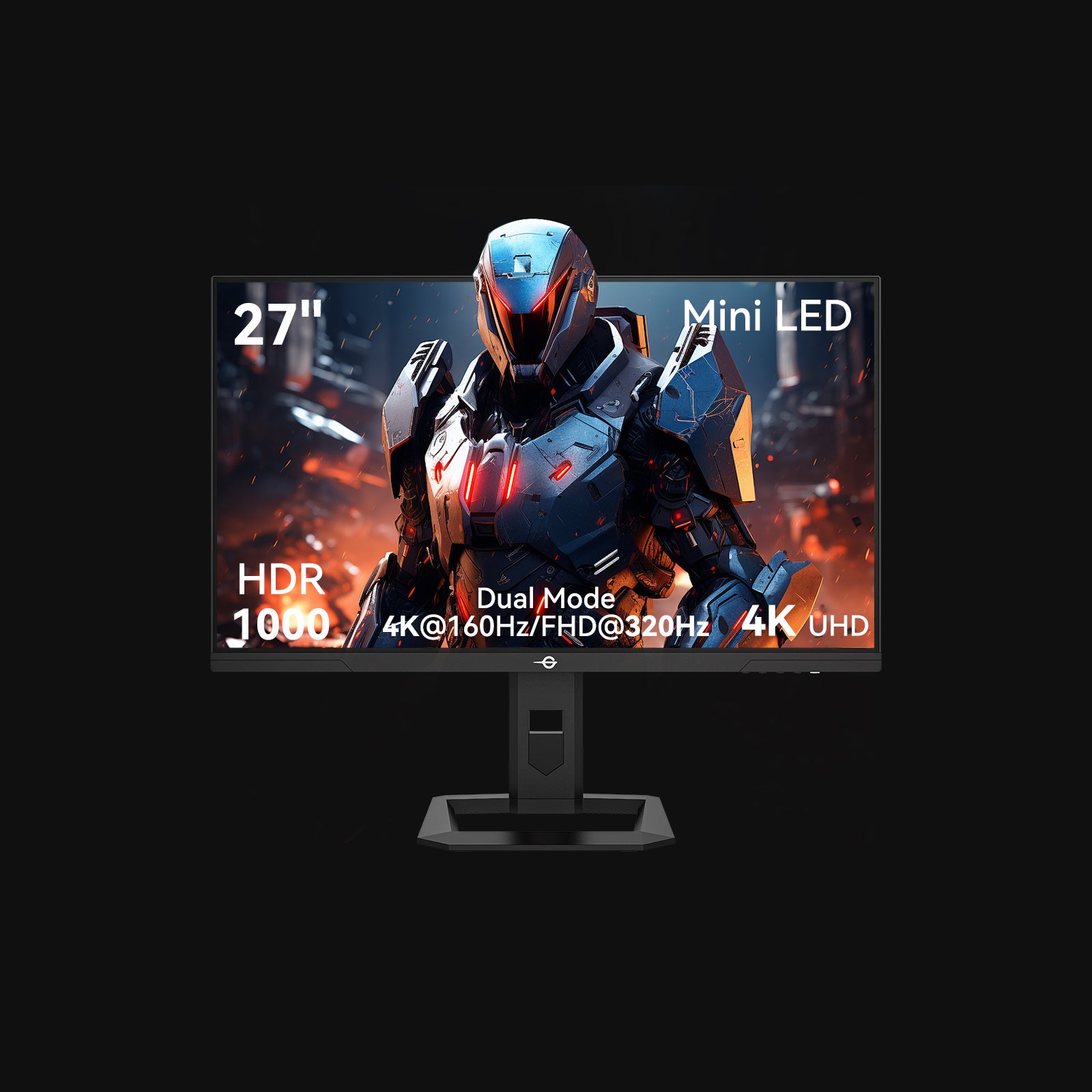
The Titan Army P275MV delivers 90% of the Dell S2722QC experience at 40% of the price. Both use LG IPS panels, both do 4K at 27 inches, both have USB-C. The Dell wins on stand, support, and polish. The Titan Army wins on everything else that matters to your wallet.
Quick Specs
| Feature | Titan Army P275MV (~$180) | Dell S2722QC (~$450) |
|---|---|---|
| Panel | 27" LG IPS | 27" LG IPS |
| Resolution | 3840 x 2160 (4K) | 3840 x 2160 (4K) |
| Refresh rate | 60Hz | 60Hz |
| Color gamut | 100% sRGB, ~95% DCI-P3 | 99% sRGB, ~95% DCI-P3 |
| Brightness | 350 nits | 350 nits |
| HDR | HDR400 | HDR400 |
| USB-C PD | 65W | 65W |
| HDMI | 2.0 x 2 | 2.0 x 2 |
| DisplayPort | 1.4 x 1 | None |
| USB hub | No | 2x USB-A downstream |
| Stand | Tilt only | Height/tilt/swivel/pivot |
| Speakers | Built-in 2W | Built-in 3W |
| Factory calibration | No | Yes (with report) |
| Warranty | 1 year (AliExpress) | 3 years (Dell) |
| Price | $180 | $450 |
Panel Quality: The Surprise That Shouldn’t Be
Here’s the thing most Western reviewers don’t tell you – or don’t know. Titan Army and Dell both source their 27" 4K IPS panels from LG Display. Same fab line. Same fundamental panel technology. The differences are in binning, calibration, and everything surrounding the glass.
I ran both monitors side by side for three weeks. Text rendering at 4K is identical – crisp, clean, makes 1440p feel blurry by comparison. VS Code at 150% scaling looks the same on both. Color accuracy out of the box is close. The Dell has a slight edge in grey uniformity, likely from factory calibration. The Titan Army has a barely warmer white point by default, correctable in OSD settings in about 30 seconds.
Backlight bleed on my Titan Army unit: minimal, comparable to my Dell. IPS glow in dark corners exists on both – it’s a panel technology characteristic, not a brand one.
Would I pass a side-by-side color accuracy test? Probably not without a colorimeter. In three weeks of daily engineering work – code, documentation, web browsing, occasional photo editing – I never once thought “this panel is worse.”
The Stand Question
This is where Dell earns part of its premium, and it’s a legitimate difference.
The Dell S2722QC ships with a full ergonomic stand: height adjustment, tilt, swivel, and pivot. Out of the box, you can position it exactly where you want it. The stand is sturdy, well-designed, and looks professional.
The Titan Army P275MV has a tilt-only stand. No height adjustment. No swivel. It looks cheap because it is cheap.
My take: if you use a monitor arm, this difference is worth exactly $0. I mount both monitors on Ergotron arms. The stock stands live in a closet. If you don’t use and don’t plan to use a monitor arm, the Dell’s stand alone might justify part of the price gap.
A decent monitor arm costs $25-40. A Titan Army plus an arm is still $230 less than a Dell.
Connectivity
The Dell has a USB hub built in – two USB-A downstream ports that let you connect peripherals through the monitor. Plug your keyboard and mouse into the Dell, run one USB-C cable to your laptop, and everything works. It’s a basic KVM-adjacent feature that’s genuinely useful for single-cable desk setups.
The Titan Army has no USB hub. It does have a DisplayPort 1.4 input that the Dell lacks. For most people, the USB hub is more useful. For multi-source setups (desktop PC + laptop), the extra DisplayPort input matters more.
Both deliver 65W USB-C Power Delivery. Both charge a MacBook Air or most ultrabooks at full speed over a single cable. Identical performance here.
Software and OSD
Dell’s OSD is clean, organized, and supports Dell Display Manager for software-level control. You can adjust brightness, switch inputs, and configure color profiles from your desktop without touching the monitor buttons.
The Titan Army OSD works. It’s functional. Navigation is a bit clunky with physical buttons on the back edge. There’s no desktop software companion. You’ll spend five minutes setting it up and never touch it again.
For an engineer who sets monitor preferences once and forgets about them, this gap doesn’t matter. For someone who frequently adjusts settings or switches between color profiles, Dell’s software integration is a real advantage.
Support and Warranty
Dell offers a 3-year warranty with next-business-day replacement in most markets. Dead pixels, backlight issues, any manufacturing defect – one call or chat, and a new monitor shows up. This is part of what you’re paying $450 for.
Titan Army offers a 1-year warranty through AliExpress. If something goes wrong, you’re filing a dispute with a Chinese marketplace and hoping the seller cooperates. My unit has been flawless for three months. But the risk is real, and pretending otherwise would be dishonest.
If you’re buying one monitor for a critical work setup and can’t afford downtime, the Dell warranty has value. If you’re buying a secondary monitor, or you’re comfortable with the AliExpress risk, the Titan Army is a calculated bet that usually pays off.
Price and Value
$180 vs $450. Same LG panel. Same resolution. Same USB-C PD wattage.
The Dell gives you a better stand, a USB hub, factory calibration, polished software, and a 3-year warranty. Those are real features worth real money.
The question is: are they worth $270? That’s the cost of a second Titan Army monitor with money left over. Or a monitor arm, a screen light bar, and a nice desk mat. The Dell premium buys peace of mind and convenience. The Titan Army puts the savings back in your hands.
For context, the Titan Army panel-to-price ratio is roughly 2.5x better than the Dell. You’re getting the same core visual experience – the part of a monitor you actually look at eight hours a day – for 40% of the cost.
Buy the Titan Army P275MV If
- You use a monitor arm (the tilt-only stand won’t bother you)
- You want 4K IPS productivity on a budget
- You’re comfortable buying from AliExpress
- You’d rather spend the $270 difference elsewhere on your setup
Buy the Dell S2722QC If
- You want a full ergonomic stand out of the box
- The USB hub for single-cable desk setup matters to you
- Warranty and local support are non-negotiable
- You need factory-calibrated color accuracy
The Bottom Line
The Titan Army P275MV is the monitor that proves 4K IPS quality doesn’t require a Dell logo. Read our full Titan Army 27" 4K review for the three-month daily use verdict, or see the full field in our Best 27-Inch Monitors Under $300 ranking. Same LG panel, same resolution, same USB-C PD, $270 less. The Dell S2722QC is objectively the more complete package – better stand, better support, better software.
But “more complete” and “worth 2.5x the price” are different conversations. For engineers and creators who care about panel quality and value, the Titan Army is the obvious choice. Put the $270 you saved into the rest of your desk setup.
-> Check Titan Army P275MV on AliExpress -> Check Dell S2722QC on Amazon
Titan Army purchased from AliExpress, Dell from official store Singapore. No brand relationships.