The Short Version
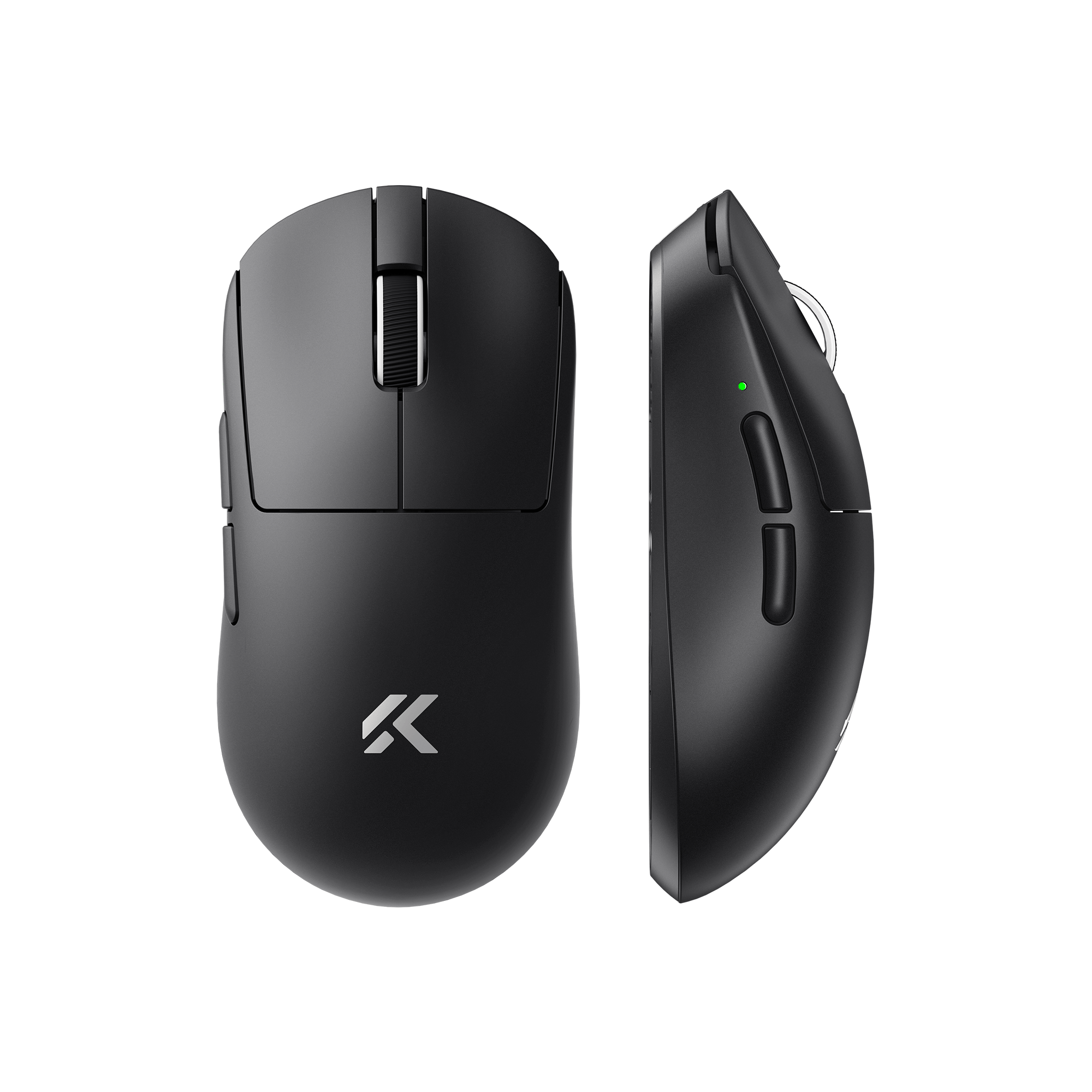
The MCHOSE A7 V2 Pro is a $52 wireless gaming mouse with a PAW3950TI sensor, 59g weight, and tri-mode connectivity. Three months of daily use, split between work and gaming. It tracks like a $150 mouse, weighs less than most of them, and the battery lasts about a week of heavy use. The side buttons could be better. Everything else ranges from good to genuinely impressive for the money.
Why I Bought It
My Logitech G Pro X Superlight’s feet were shot. I’d been using it for two years, the PTFE was worn smooth, and I was too lazy to order replacement skates. So I figured I’d try something new entirely.
I was already using the MCHOSE Ace 68 keyboard and it had earned enough trust that I gave their mouse a shot. $52 on their official store. Worst case, it becomes a backup. Best case, I save $100 compared to replacing the Logitech with a Superlight 2.
Three months later, the Logitech is in a drawer. Not because it’s bad. Because this thing is that good for the price.
What You Get
| Sensor | PAW3950TI |
| DPI | Up to 42,000 |
| Tracking Speed | 750 IPS |
| Acceleration | 50G |
| Polling Rate | 8K (wired) / 4K (2.4GHz) / 125Hz (Bluetooth) |
| Switches | Omron mechanical |
| Encoder | TTC Gold scroll wheel |
| Connectivity | 2.4GHz / Bluetooth 5.1 / USB-C wired |
| Battery | 500mAh |
| Weight | 59g (+/- 2g) |
| Dimensions | 125.8 x 63.2 x 39.8mm |
| Coating | Super Glide anti-sweat |
In the box: mouse, USB-A receiver, USB-C cable, 2.4GHz extension adapter, anti-slip sticker, and a function card. The Pro+ and Ultra+ versions add a magnetic charging dock, which I didn’t need.
Daily Use: What Works
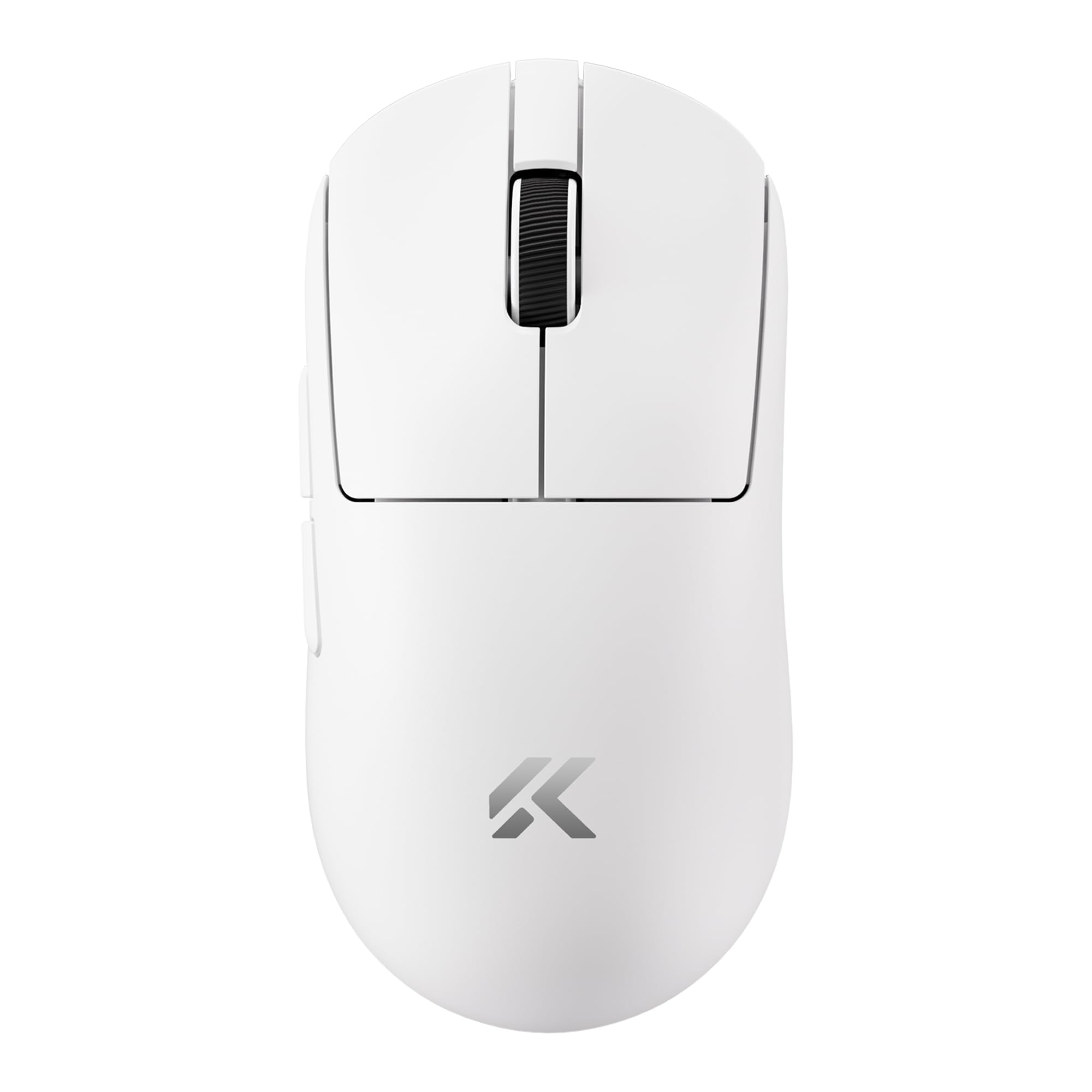
59 grams and you can’t see where they cut the weight. No honeycomb shell, no visible cost-cutting. The mouse feels solid, not hollow. Pick it up and it feels like a premium product that happens to be light. The Super Glide coating has a dry, almost powdery texture that works well with sweaty hands. Three months in, it hasn’t gotten shiny or slippery.
The PAW3950TI is the real story. This is PixArt’s latest flagship sensor, the same tier that goes into mice costing $130+. 42,000 DPI is absurd and nobody needs it, but the tracking quality at sensible DPI ranges (800-1600 for most people) is flawless. Zero spin-outs in three months. Zero jitter. I tested it on three different mousepads including a glass pad, and it tracked perfectly on all of them.
I work on 2.4GHz during the day and game on wired at night for the 8K polling rate. Switching is a button on the bottom, takes one second. Bluetooth mode connects to my iPad when I need it. Having all three modes in a $52 mouse still feels like cheating.
Battery life sits around 6-7 days of mixed use (8+ hours daily, 2.4GHz mode, RGB off). With RGB on, knock off a day. Charging from empty to full takes about 90 minutes over USB-C. I charge it every Sunday night and never think about it.
The shape is medium-large, fits my 19cm x 10cm hand in a relaxed claw grip comfortably. It’s symmetrical, so lefties can use it, but the side buttons are on the left only.
Where It Falls Short
The two side buttons work fine but lack the crisp, tactile click of a Razer or Logitech. They feel slightly mushy, like there’s a fraction of a millimeter of dead travel before the click registers. For MOBA players who bind abilities to side buttons, this might bother you. For FPS, where they’re usually push-to-talk or grenade, it’s fine.
The scroll wheel click (middle button) requires noticeably more force than I’d prefer. I use it for opening links in new tabs at work, and after a full day of browsing, my finger notices. The scroll itself is smooth and the TTC Gold encoder has nice defined steps, so this is specifically a click issue.
Here’s the deal with the M-HUB software: it works, but it’s the same rough-around-the-edges experience as their keyboard app. DPI stages, button remapping, polling rate settings, all functional. Macro editor, lift-off distance calibration, surface tuning, all there. But the interface looks like it was built by firmware engineers, not designers. Works on Windows. Not available on Mac.
MCHOSE A7 V2 Pro vs Razer DeathAdder V3 vs Logitech G Pro X Superlight 2
| Feature | MCHOSE A7 V2 Pro (~$52) | Razer DeathAdder V3 (~$90) | Logitech G Pro X Superlight 2 (~$130) |
|---|---|---|---|
| Sensor | PAW3950TI | Focus Pro 30K | HERO 2 |
| Max DPI | 42,000 | 30,000 | 32,000 |
| Polling rate (wireless) | 4K | 4K | 4K (Lightspeed) |
| Weight | 59g | 59g | 60g |
| Connectivity | Tri-mode | 2.4GHz + wired | 2.4GHz + wired |
| Battery | ~7 days | ~90 hours | ~95 hours |
| Bluetooth | Yes | No | No |
| Software | M-HUB (basic) | Synapse (polished) | G Hub (decent) |
| Price | $52 | $90 | $130 |
The Razer has better clicks and better software. The Logitech has the Lightspeed ecosystem and G Hub. But the sensor performance across all three is functionally identical for human hands. No player in the world can tell the difference between these sensors in a blind test. The real differentiators are shape preference, click feel, and software. Two out of three of those are “fine” on the MCHOSE, and the third (software) is “functional.”
Is the Razer 1.7x better? Is the Logitech 2.5x better? After three months, my answer is no to both.
Who Should Buy This
Buy it if:
- You want a competitive-grade sensor in a sub-$60 package
- Tri-mode connectivity (2.4GHz + BT + wired) matters for your setup
- You have medium to large hands and use claw or palm grip
- You’re tired of paying $130+ for mice that track identically
Skip it if:
- Crisp side button clicks are critical for your gameplay
- You need macOS software support
- You prefer small mice (this is 125mm, not for fingertip grip on small hands)
- Brand ecosystem integration (Synapse/G Hub) matters to you
The Bottom Line
MCHOSE took the same sensor that goes into $130 mice, put it in a 59g shell with tri-mode wireless, and charged $52. The clicks aren’t Razer-tier. The software isn’t Logitech-tier. But the tracking, the weight, the battery, and the connectivity are all genuinely competitive with mice that cost two to three times as much.
The Chinese peripheral market has been closing the gap for years. With the A7 V2 Pro, the gap is basically gone for everything except software and click feel. For most people, that’s an easy trade at this price.
4.25 / 5
Related: See how the A7 V2 Pro ranks in our Best Gaming Mice Under $50 guide. For the full MCHOSE brand story, read our MCHOSE Gaming Peripherals Guide.
Real use, real opinion. This post contains affiliate links, DeskForged earns a small commission if you buy through them, at no extra cost to you.


