The Short Version
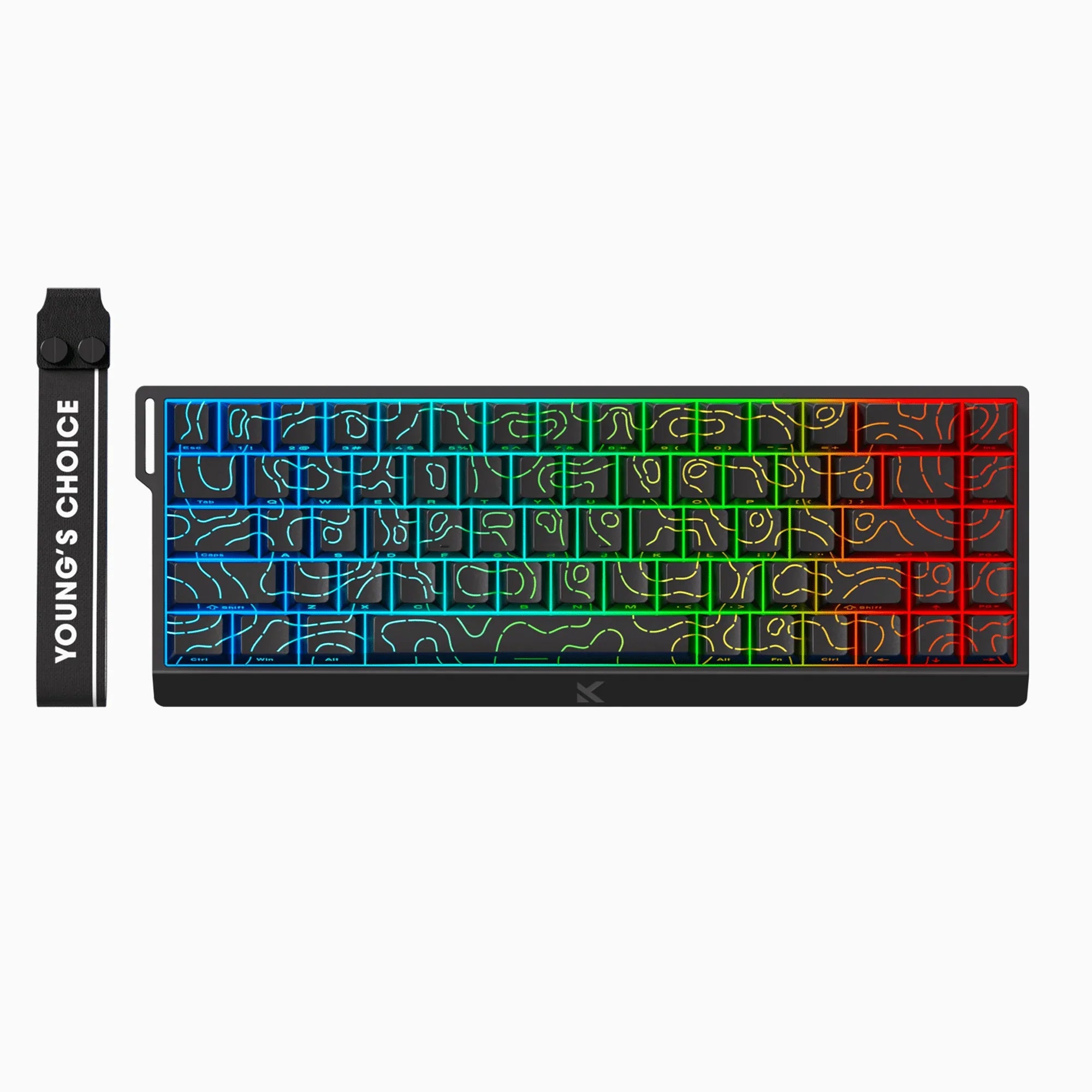
The MCHOSE Ace 68 V2 is an $80 magnetic switch keyboard that performs like something twice the price. Hall effect sensors, rapid trigger down to 0.01mm, 8K polling rate. Is it a Wooting 60HE killer? After two months of daily use, I’d say it’s 90% of the way there at 40% of the cost. The software drags it down. The switches do not.
Why I Bought It
I was on Wooting’s waitlist for four months. Four months of refreshing my email, watching Valorant pros talk about rapid trigger, and typing on a regular mechanical keyboard like some kind of caveman.
Then a friend in Shenzhen sent me a link to MCHOSE. “Same switches, same tech, ships tomorrow, 500 yuan.” I did the math. $80 versus Wooting’s $175+. Even if this thing was mediocre, I’d learn something about magnetic switches before committing to the expensive one.
Two months later, the Wooting email finally came. I didn’t buy it.
What You Get
| Layout | 65% (68 keys) |
| Switches | Hall effect magnetic (TTC Uranus / Ice Blue / KTEK options) |
| Polling Rate | 8000Hz (8K) |
| Scan Rate | 128K |
| Latency | 0.08ms |
| Rapid Trigger | Adjustable 0.01mm - 4.0mm |
| Actuation Range | 0.1mm - 3.8mm |
| Connection | USB-C wired only |
| Anti-ghosting | Full NKRO |
| Keycaps | PBT doubleshot |
| Weight | ~750g |
| Software | M-HUB (Windows only) |
The box includes the keyboard, a braided USB-C cable, a keycap puller, and a switch puller. No carrying case, which is fine for $80.
Daily Use: What Works
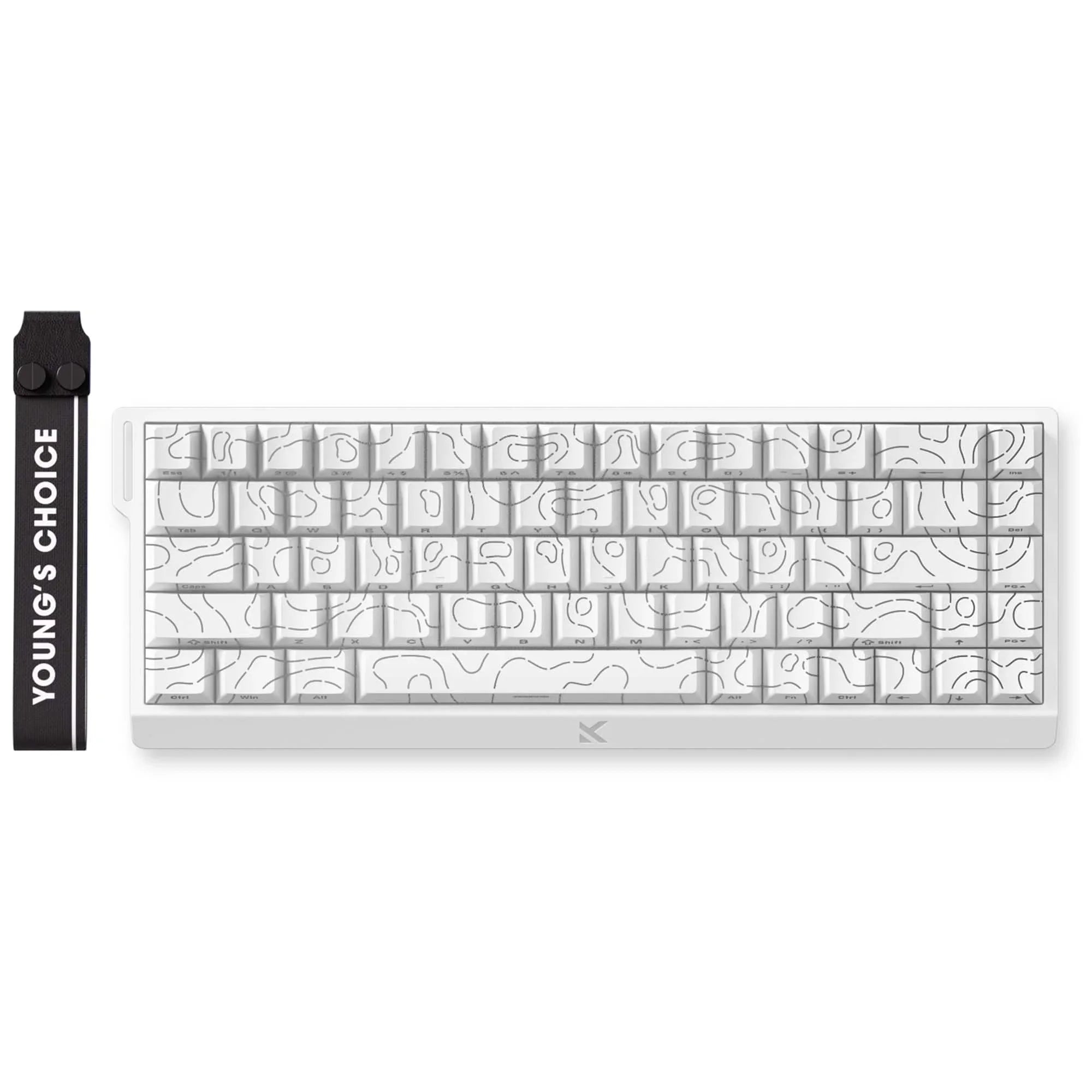
The switches are the real deal. Hall effect sensors measure the magnet’s position inside each switch using, well, the Hall effect. No metal contacts to wear out. No debounce delay. The actuation point is wherever you want it to be. I set mine to 0.3mm for gaming and 1.5mm for typing, and switching between profiles takes two seconds.
Rapid trigger changed how I play. In CS2, counter-strafing went from a timing skill to something automatic. Press A, release slightly, the key resets instantly. Press D. No dead zone. The 0.01mm resolution is probably overkill, but the principle works. My movement felt noticeably tighter within the first hour.
I picked the TTC Uranus switches. They have a smooth, linear feel with just enough resistance that I’m not accidentally firing keys during typing. 40gf actuation force, bottoming out around 55gf. For a magnetic switch, the feel is genuinely good. Not as refined as a Wooting Lekker V2, but close enough that the difference only matters to keyboard enthusiasts who’ve tried both side by side.
8K polling rate is measurable in testing, invisible in practice. Going from 1K to 8K, I cannot honestly tell the difference in gameplay. But the spec is there, and for competitive players who care about every fraction of a millisecond, it checks the box.
Where It Falls Short
The M-HUB software is functional but clearly translated from Chinese with limited polish. Settings work. Profiles save. But the UI feels like it was designed by engineers who never talked to a UX designer. Windows only, so my MacBook at work is stuck with default settings.
Stabilizers rattle out of the box. The spacebar had a noticeable ping until I spent 20 minutes with dielectric grease. At $80, I expected this. At $150+, I wouldn’t accept it. Know your price bracket.
No wireless. This is a wired-only board. For a desktop gaming keyboard, that’s fine. If you need Bluetooth for a laptop setup, look elsewhere.
The keycaps are decent PBT doubleshot, but the legends are a bit thin. They’ll last, they just don’t look premium. Swapping in a third-party keycap set would be the move if aesthetics matter to you.
MCHOSE Ace 68 V2 vs Wooting 60HE vs Razer Huntsman V3 Pro
For a deeper look at the Razer matchup, read our MCHOSE Ace 68 V2 vs Razer Huntsman V3 comparison.
| Feature | MCHOSE Ace 68 V2 (~$80) | Wooting 60HE (~$175) | Razer Huntsman V3 Pro (~$200) |
|---|---|---|---|
| Switch type | Hall effect magnetic | Hall effect (Lekker V2) | Analog optical |
| Polling rate | 8K | 8K | 8K |
| Rapid trigger | Yes, 0.01mm | Yes, 0.1mm | Yes, 0.1mm |
| Actuation range | 0.1-3.8mm | 0.1-4.0mm | 0.1-4.0mm |
| Wireless | No | No | No |
| Software quality | Basic | Good | Excellent |
| Build quality | Good | Very good | Premium |
| Price | $80 | $175 | $200 |
Is the Wooting 2x better? After two months with both price points in mind, my answer is no. The Wooting has better software, better stabilizers, and slightly more refined switches. That’s worth something. But $95 worth? For most people, no. The Razer adds brand polish and Synapse integration but the underlying tech is comparable.
Who Should Buy This
Buy it if:
- You want to try magnetic switches and rapid trigger without a $175+ commitment
- You play competitive FPS games and counter-strafing matters to you
- You’re comfortable lubing stabilizers (10 minutes, YouTube will teach you)
- You want a wired 65% gaming board that just works
Skip it if:
- You need wireless or Bluetooth connectivity
- You’re on macOS and need software customization
- Stabilizer rattle is a dealbreaker and you won’t fix it yourself
- You already own a Wooting or similar magnetic board
The Bottom Line
MCHOSE is doing what Chinese brands do best: taking expensive technology and making it accessible. The Ace 68 V2 puts Hall effect switches, rapid trigger, and 8K polling rate in an $80 package. The software is rough. The stabilizers need work. But the core technology, the part that actually matters for gaming, is solid.
A year ago, magnetic switches were a $175+ proposition. Now they’re $80 and shipping in two days from AliExpress. The Wooting fans will tell you it’s not the same. They’re right, it’s not. It’s 90% of the same for half the money. For most people, that math works out.
4.0 / 5
Related: See how the Ace 68 V2 ranks in our Best Budget Mechanical Keyboards 2026 guide. For the full MCHOSE story, read our MCHOSE Gaming Peripherals Guide.
Real use, real opinion. This post contains affiliate links, DeskForged earns a small commission if you buy through them, at no extra cost to you.


