The Short Version
If you’re spending $60+ on a BenQ ScreenBar, stop. The Yeelight LED Monitor Light Bar does 90% of the same job for a third of the price. I’ve used it daily on my dual-monitor engineering workstation for six months. Here’s the honest breakdown.
Why I Bought It
I was running late-night coding sessions with just my monitors lighting the room, the classic engineer mistake. My eyes were wrecked by midnight. Everyone recommends BenQ, but $60 for what is essentially an LED strip with a gravity clamp felt steep.
Then I found Yeelight’s version on AliExpress for $18. Same concept. Chinese brand most Westerners have never heard of. Worth a shot.
What You Get
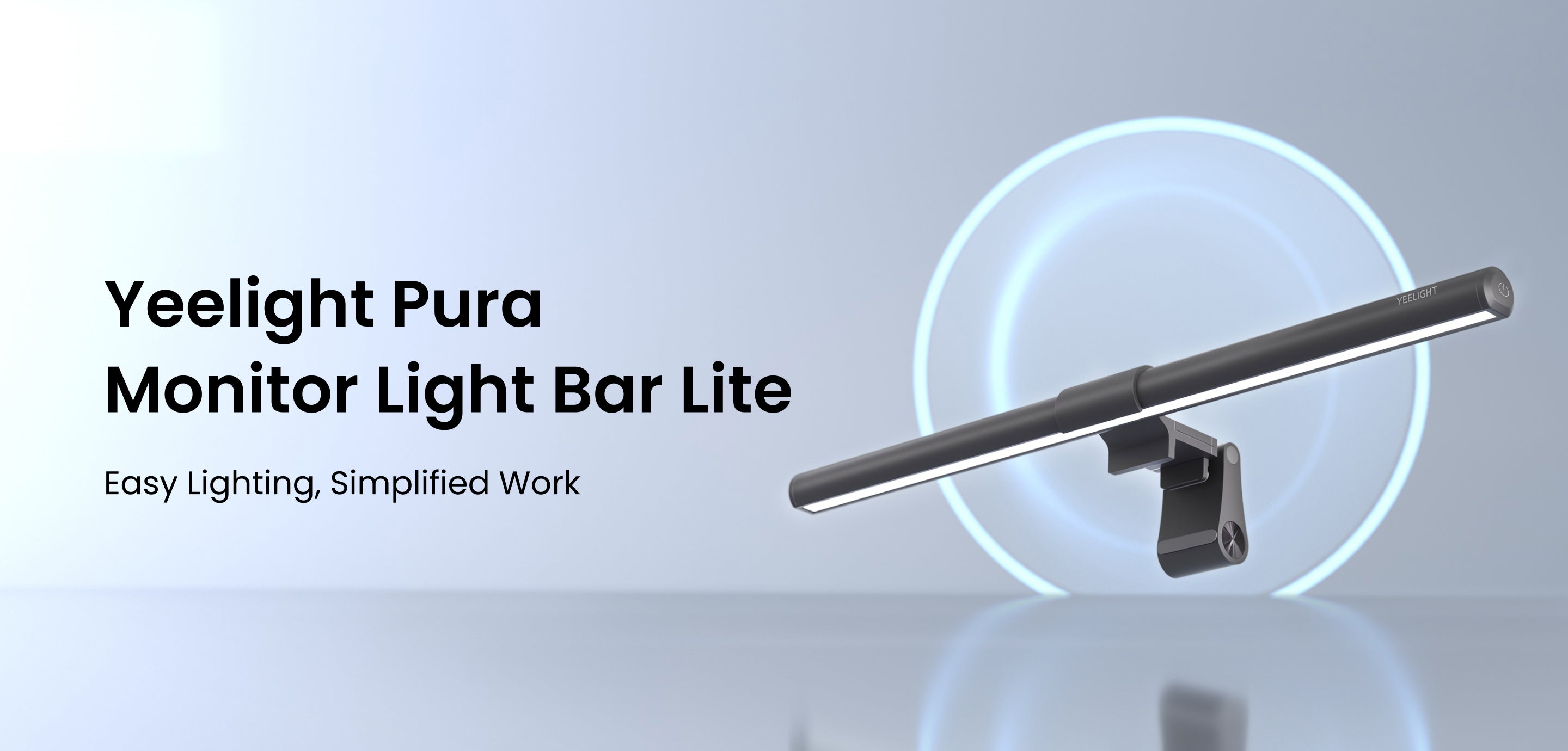
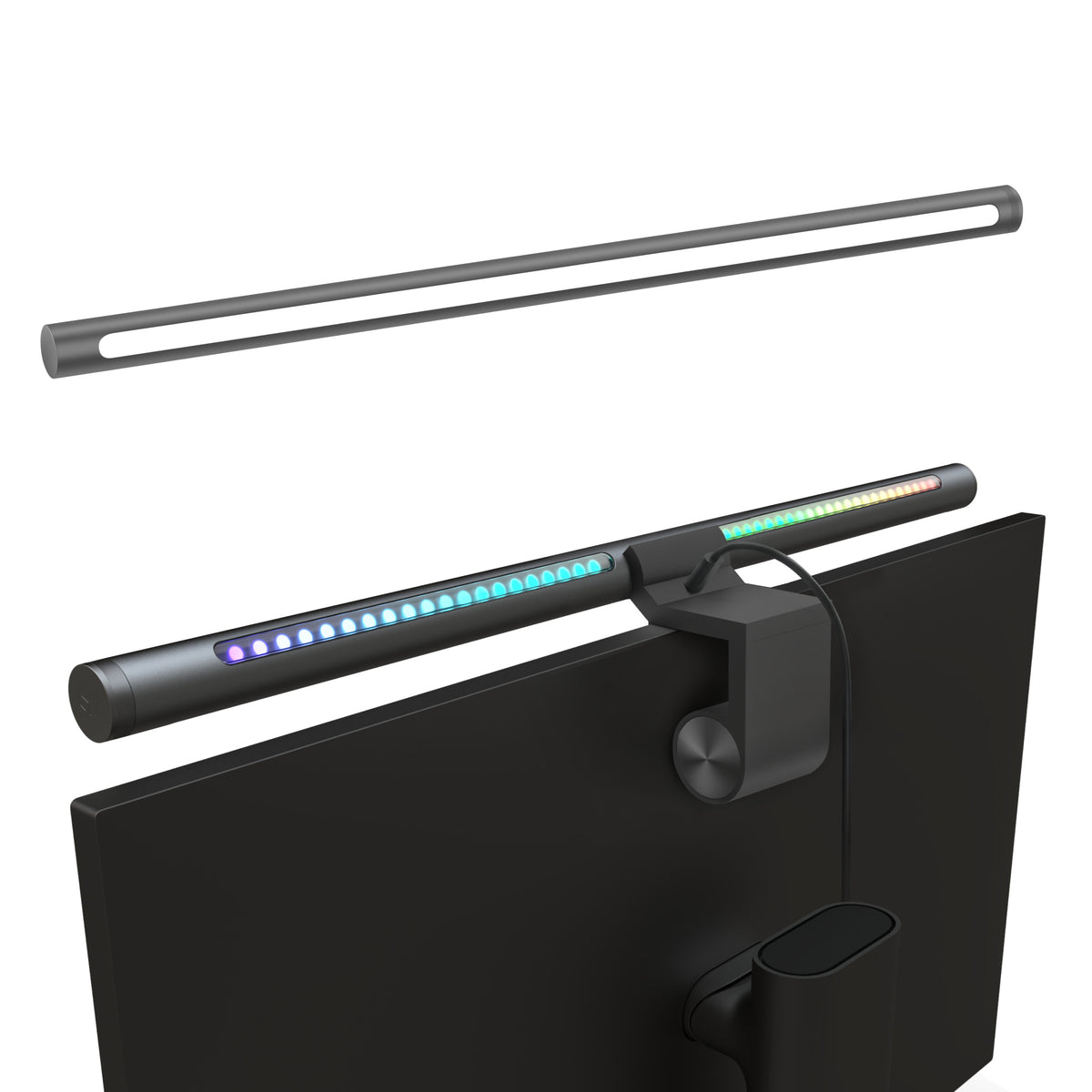
- Asymmetric light design, illuminates your desk without reflecting off screen
- Touch controls on the bar, brightness and colour temperature
- USB-C powered, runs off a monitor USB port
- Gravity clamp, clips onto monitors up to ~32mm bezel
- Colour temperature range, 2700K to 6500K
The build is solid aluminium. Doesn’t feel cheap. The clamp mechanism is sturdy, I’ve bumped my desk plenty of times and it stays put.
Daily Use: What Works
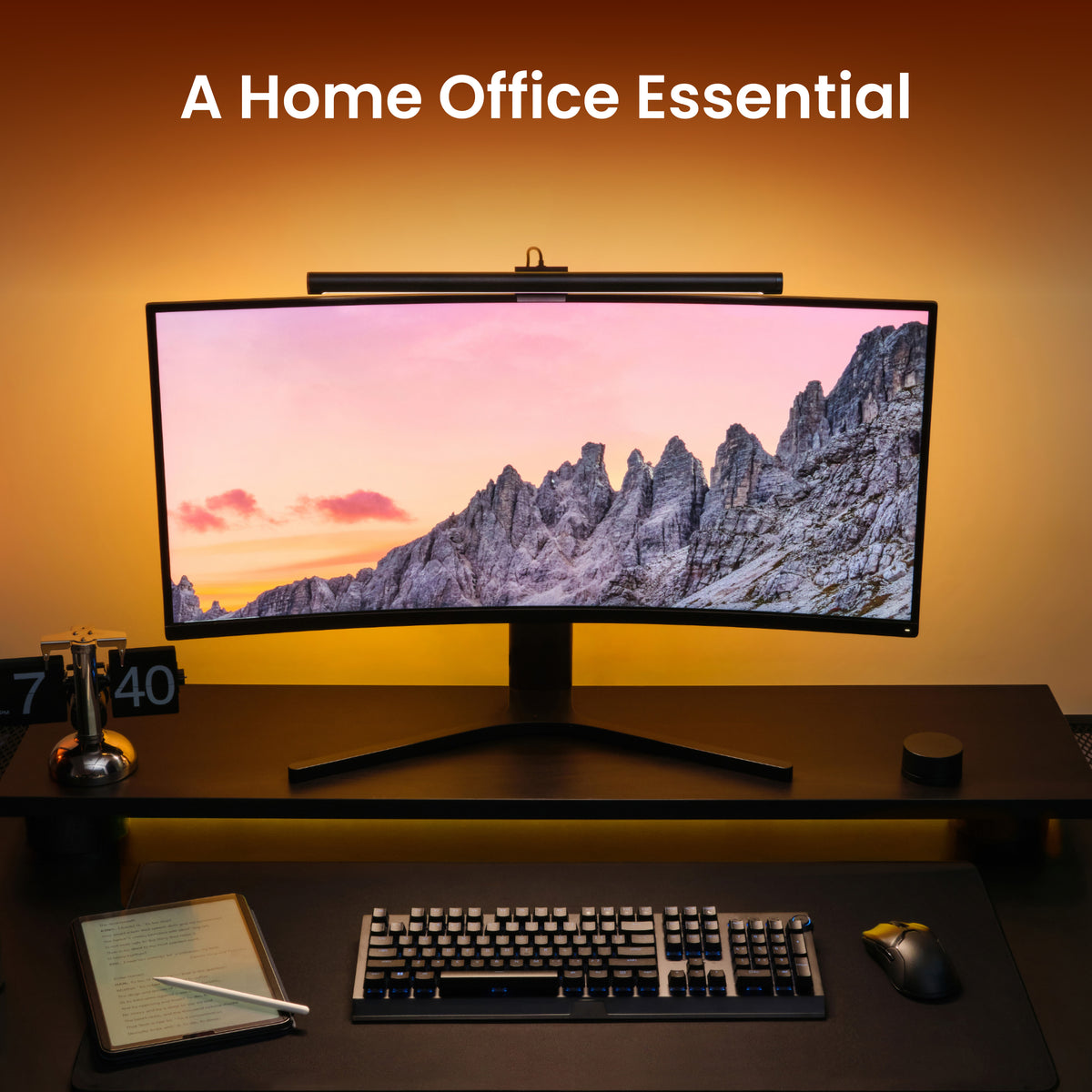
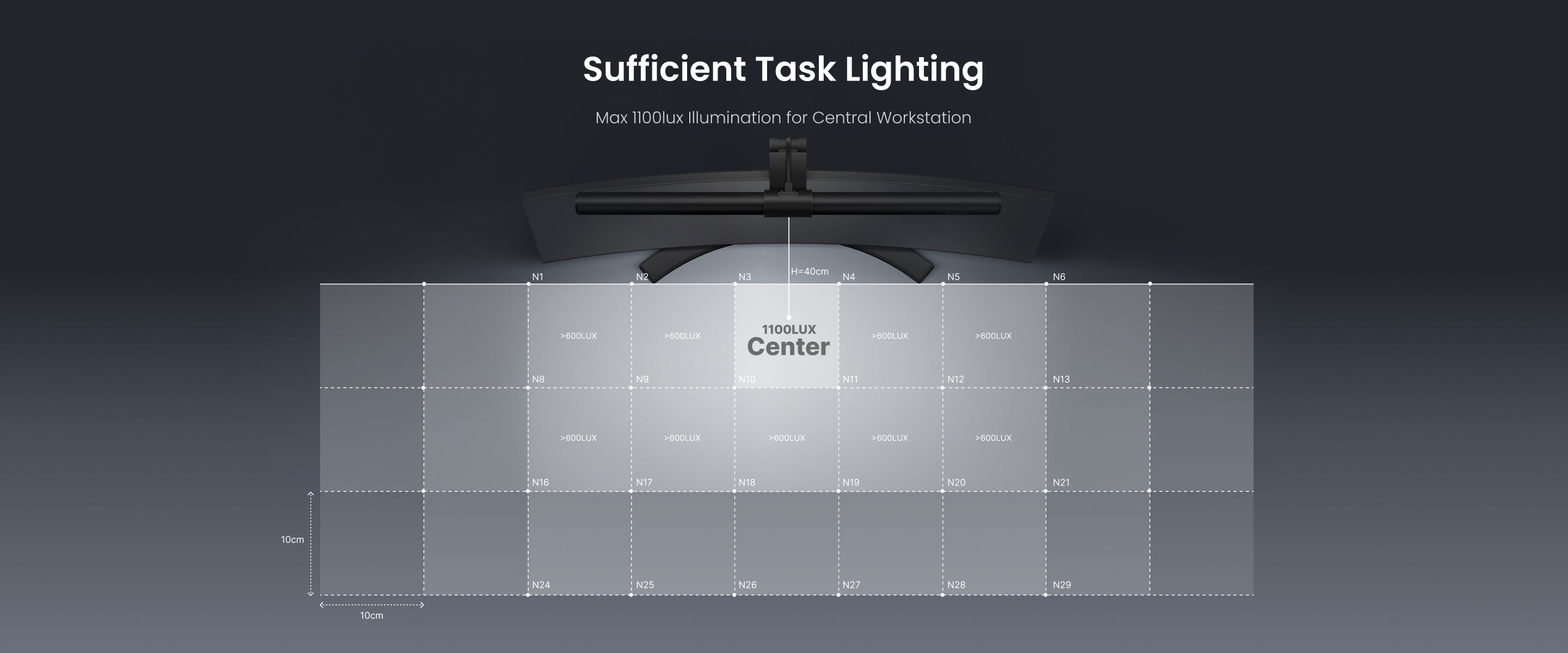
The light quality is genuinely good. The asymmetric optics work as advertised, I can see my keyboard and notes clearly, and there’s zero glare on either of my 27" monitors. I typically run it at about 60% brightness, 4000K during the day, dimmer and warmer at night.
USB-C power is a smart move. One cable from my monitor’s USB hub. No wall adapter, no extra power strip slot wasted. It pulls about 5W.
The touch controls are responsive. Slide for brightness, tap to toggle between brightness and colour temp modes. No app required, though Yeelight does have one if you want scheduling.
Where It Falls Short
No wireless remote. The BenQ ScreenBar Plus comes with a desktop dial controller. Yeelight doesn’t. If you want to adjust without reaching up to the bar, you need the app. Minor inconvenience, but worth mentioning.
The clamp doesn’t fit thick bezels. My Dell U2722D (thin bezel), perfect. My colleague’s old 2019 monitor with a chunky bezel, didn’t fit. Measure before you buy.
No auto-dimming sensor. The BenQ has an ambient light sensor that auto-adjusts brightness. Yeelight doesn’t. I just set it once and forget about it, so this hasn’t bothered me in practice.
Yeelight vs BenQ ScreenBar: The Real Comparison
For our full side-by-side breakdown, see Yeelight vs BenQ ScreenBar: Is 3x the Price Worth It?.
| Feature | Yeelight (~$18) | BenQ ScreenBar ($60) | BenQ Plus ($90) |
|---|---|---|---|
| Light quality | ★★★★☆ | ★★★★★ | ★★★★★ |
| Build quality | ★★★★☆ | ★★★★★ | ★★★★★ |
| Clamp fit | Most monitors | Most monitors | Most monitors |
| Auto-dimming | ✗ | ✓ | ✓ |
| Remote control | ✗ (app only) | ✗ | ✓ (desktop dial) |
| USB-C | ✓ | ✓ | ✓ |
| Price | $18 | $60 | $90 |
The BenQ is objectively better in build and features. The question is: is it 3-5x better? After six months, my answer is no.
Who Should Buy This
Buy the Yeelight if:
- You want proper desk lighting without spending $60+
- You’re setting up a home office or coding workstation on a budget
- You don’t care about auto-dimming or a remote dial
Buy the BenQ if:
- You want the absolute best and price isn’t a concern
- You need auto-dimming for a workspace with changing ambient light
- You want that desktop dial controller (the Plus model)
The Bottom Line
The Yeelight Screen Light Bar is the best value in desk lighting right now. It’s the kind of product that makes you wonder why Western brands charge 3x more for incremental improvements. Six months in, zero complaints.
Rating: 4.5/5, loses half a point for no auto-dimming, but at this price, who’s complaining.
Related: This light bar topped our Best Screen Light Bars 2026 ranking. For more on Yeelight and other Chinese desk gear brands Western reviewers miss, check out our Chinese Brands Desk Gear Guide.
DeskForged reviews are based on real daily use, not a weekend unboxing. This is my actual workstation gear.


